
OpenEnv documentation
dm_control OpenEnv Environment
You are viewing main version, which requires installation from source. If you'd like
regular pip install, checkout the latest stable version (v0.4.0).
dm_control OpenEnv Environment
A generic OpenEnv environment for dm_control.suite, providing access to all MuJoCo-based continuous control tasks.
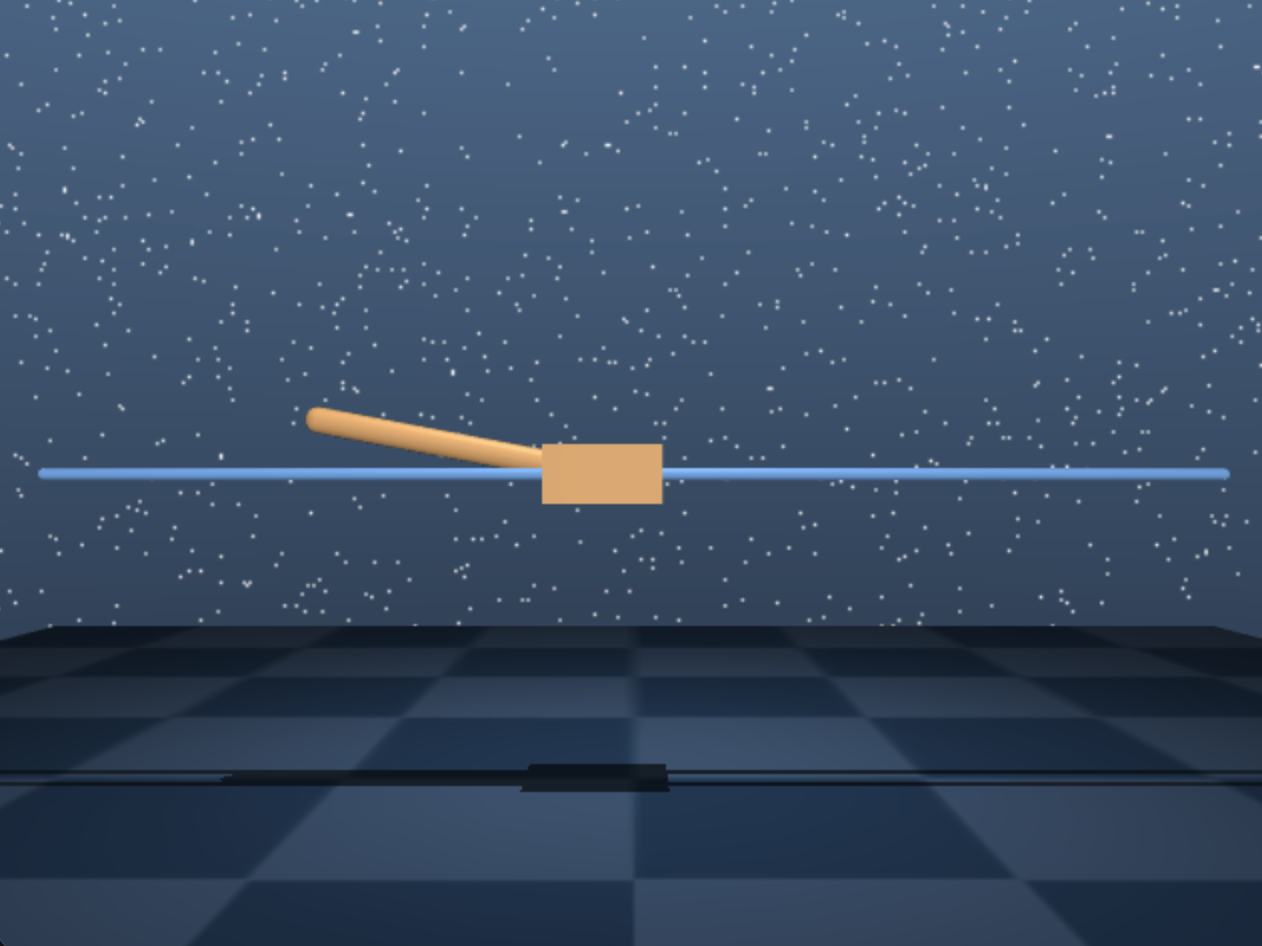
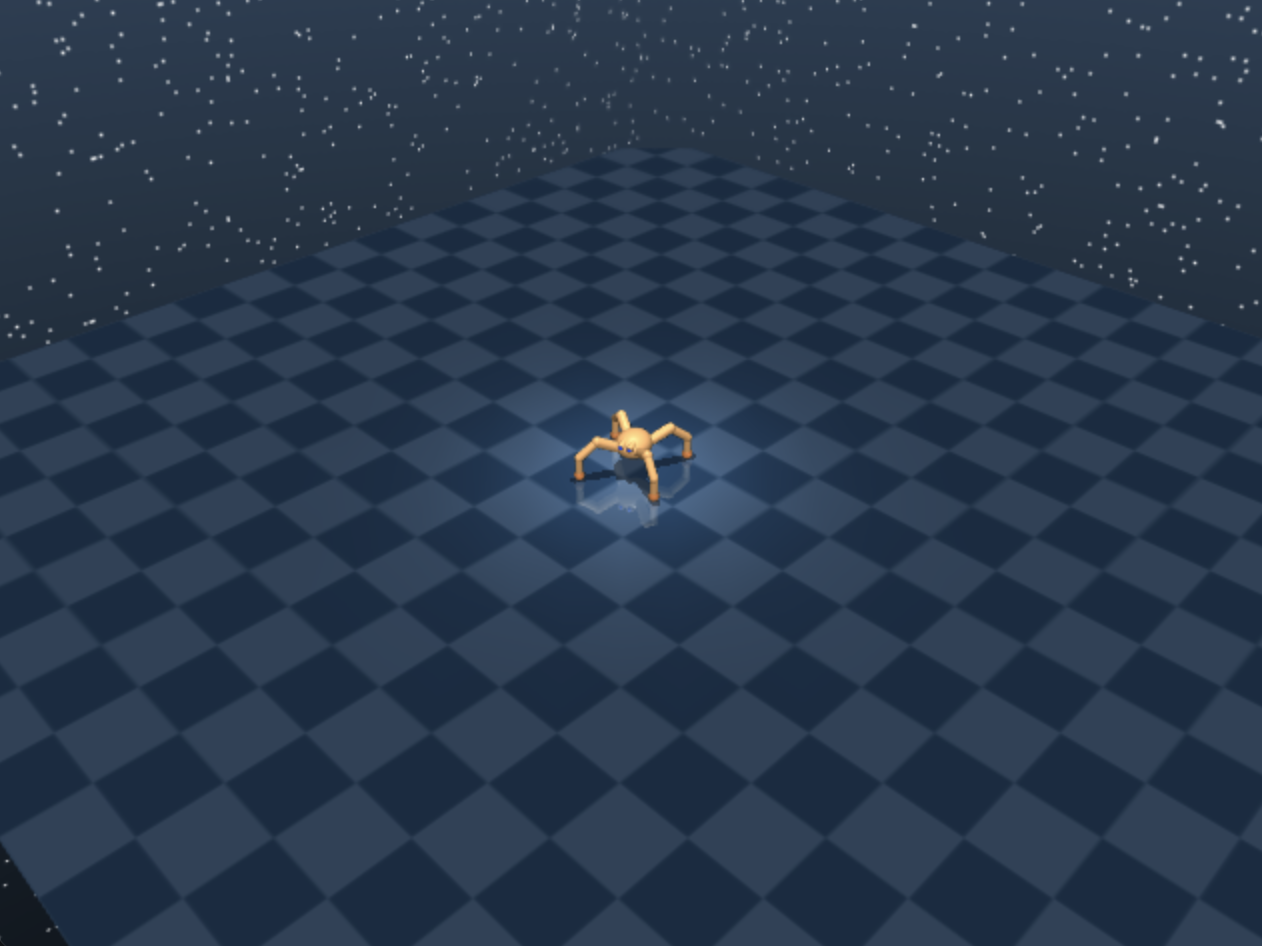
Supported Environments
| Domain | Tasks |
|---|---|
| cartpole | balance, swingup, swingup_sparse |
| walker | stand, walk, run |
| humanoid | stand, walk, run |
| cheetah | run |
| hopper | stand, hop |
| reacher | easy, hard |
| pendulum | swingup |
| finger | spin, turn_easy, turn_hard |
| fish | upright, swim |
| ball_in_cup | catch |
| And more… | See dm_control.suite.BENCHMARKING |
Quick Start
Using the Client
from envs.dm_control_env import DMControlEnv, DMControlAction

# Connect to a running server
with DMControlEnv(base_url="http://localhost:8000") as env:
    # Reset with default (cartpole/balance)
    result = env.reset()
    print(f"Observations: {result.observation.observations.keys()}")

    # Take actions
    for _ in range(100):
        action = DMControlAction(values=[0.5])  # Push cart right
        result = env.step(action)
        print(f"Reward: {result.reward}, Done: {result.done}")

        if result.done:
            result = env.reset()
Switching Environments
# Start with cartpole
result = env.reset(domain_name="cartpole", task_name="balance")

# Switch to walker (on next reset)
result = env.reset(domain_name="walker", task_name="walk")
# Note: walker has 6 action dimensions
action = DMControlAction(values=[0.0] * 6)
result = env.step(action)
Running the Server
# From OpenEnv root
cd envs/dm_control_env
uvicorn server.app:app --host 0.0.0.0 --port 8000

# Or using uv
uv run --project . server
Using Docker
# Build
docker build -t dm_control:latest -f server/Dockerfile .

# Run
docker run -p 8000:8000 dm_control:latest
API
Action
class DMControlAction(Action):
    values: List[float]  # Continuous action values
Action dimensions vary by environment:
- cartpole: 1 (force on cart)
- walker: 6 (joint torques)
- humanoid: 21 (joint torques)
Observation
class DMControlObservation(Observation):
    observations: Dict[str, List[float]]  # Named observation arrays
    pixels: Optional[str]  # Base64 PNG (if render=True)
    reward: float
    done: bool
State
class DMControlState(State):
    domain_name: str
    task_name: str
    action_spec: Dict[str, Any]
    observation_spec: Dict[str, Any]
    physics_timestep: float
    control_timestep: float
    episode_id: str
    step_count: int
Examples
See the examples/ directory:
cartpole_control.py- Interactive cartpole control with arrow keyshopper_control.py- Interactive hopper control with spacebar for random forcesquadruped_control.py- Interactive quadruped control with spacebar for random forceslist_environments.py- Print all available environments
All examples support consistent CLI arguments:
# Default: interactive mode with minimal pygame window
python examples/cartpole_control.py

# Visual mode with rendered MuJoCo frames
python examples/cartpole_control.py --visual

# Headless mode (no pygame, automated control)
python examples/cartpole_control.py --headless --max-steps 500

# Select a different task
python examples/cartpole_control.py --task swingup
python examples/hopper_control.py --task stand
python examples/quadruped_control.py --task run
Environment Variables
| Variable | Default | Description |
|---|---|---|
DMCONTROL_DOMAIN | cartpole | Default domain |
DMCONTROL_TASK | balance | Default task |
DMCONTROL_RENDER_HEIGHT | 480 | Render height |
DMCONTROL_RENDER_WIDTH | 640 | Render width |